
Brak produktów
Gry Akcji
Najczęściej kupowane
-

Replik Survivors Steam CD Key
「Replik Survivors」 is a time survival game with role-playing and...
4,57 EUR -

Golem Gates Steam CD Key
In a desolate land ravaged by ancient wars, you are the Harbinger, an...
21,46 EUR -

Total War: WARHAMMER II - Glade Captain DLC PC Epic Games CD Key
Glade Captain is a Wood Elves Hero unit introduced in The Twisted and...
0,54 EUR -

Nova-111 - Deluxe Soundtrack Edition Steam CD Key
Includes: Nova-111 and Nova-111: Original Soundtrack DLC. Pilot your...
4,24 EUR -

Samsa and the Knights of Light Steam CD Key
Samsa and the Knights of Light Steam CD Key Platform: Steam Release...
9,72 EUR -

Remember Me EU Steam CD Key
Remember Me Steam Key Platform: Steam Release Date: 07/06/2013 Product...
27,72 EUR
Ostatnio przeglądane
-

Catlateral Damage PC...
Catlateral Damage is a first-person destructive...
-

WWE 2k26 PS5 Account
THE SHOW NEVER STOPSRun the world’s greatest...
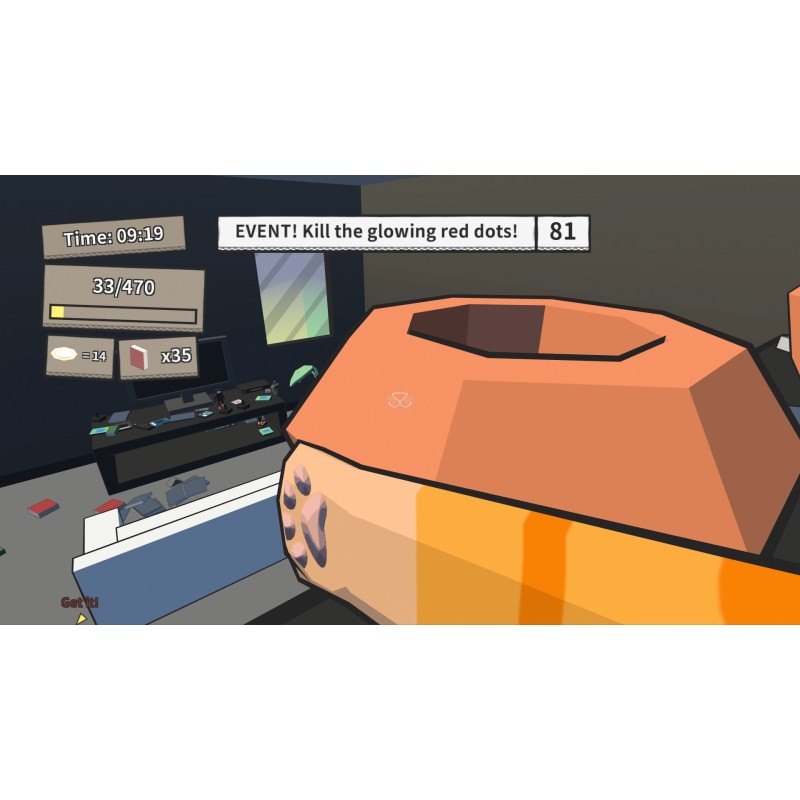
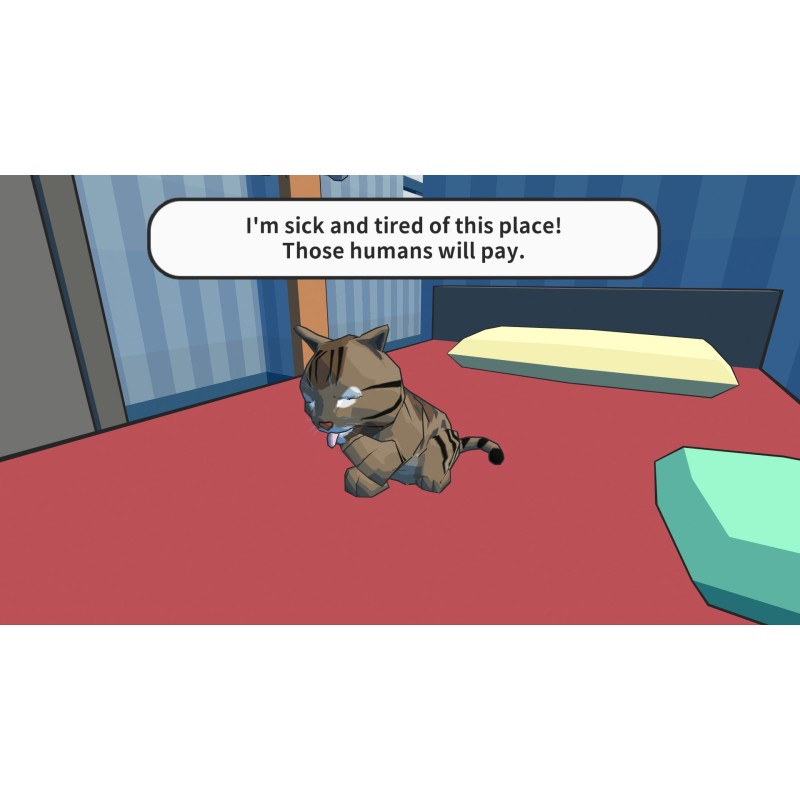
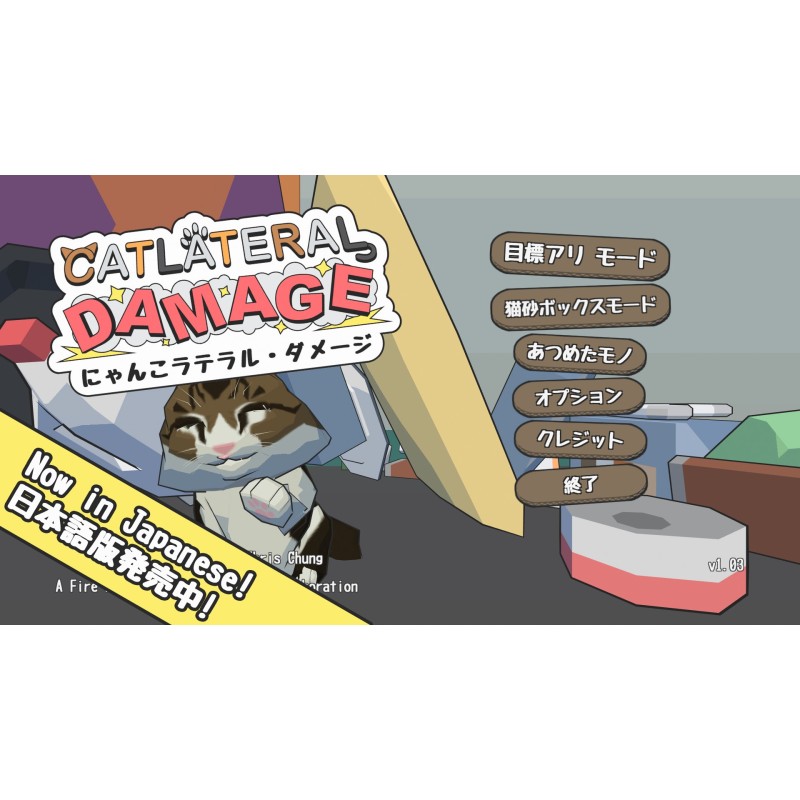
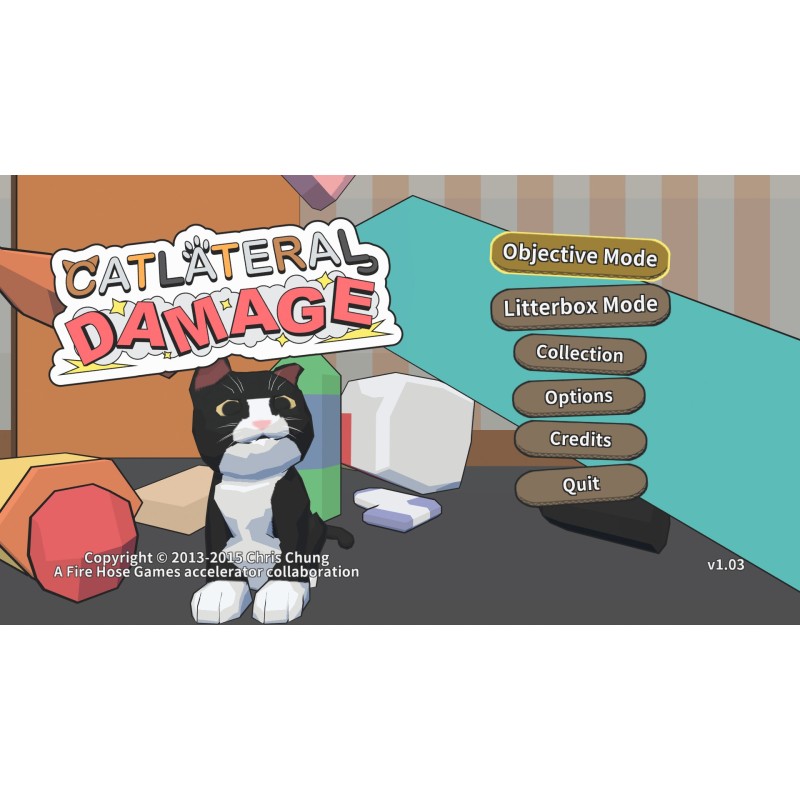
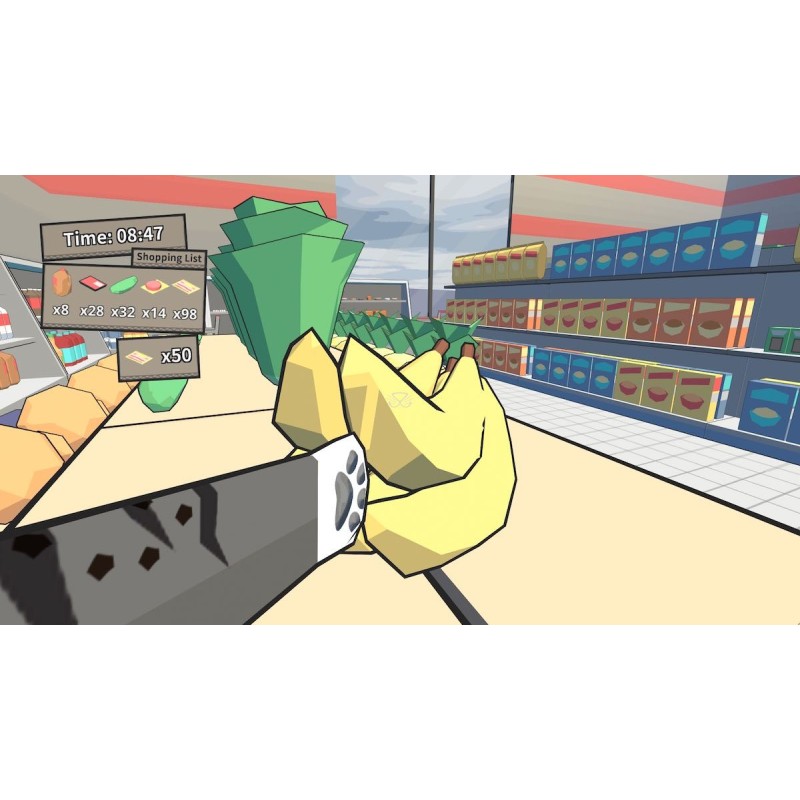
Catlateral Damage PC Steam CD Key
14 Przedmioty
Cechy produktu
| Developer | Chris Chung, Manekoware |
| Genre | Action, Indie, Simulation, VR Games |
| Platforma | Steam |
| Region | REGION FREE |
| Język | English |
Więcej informacji
Windows
OS: Windows XP Processor: 2.0 GHz Memory: 2 GB RAM Graphics: NVIDIA GeForce 8600 GT Storage: 1 GB available space Additional Notes: Epilepsy warning: Some in-game effects may be problematic for some players. These can be disabled under the “Audio/Visual” tab of the “Options” menu on the title screen.
Mac
OS: OS X 10.6 Snow Leopard Processor: 2.0 GHz Memory: 2 GB RAM Graphics: NVIDIA GeForce 320M Storage: 1 GB available space Additional Notes: Epilepsy warning: Some in-game effects may be problematic for some players. These can be disabled under the “Audio/Visual” tab of the “Options” menu on the title screen.
Linux
OS: Ubuntu Processor: 2.0 GHz Memory: 2 GB RAM Storage: 1 GB available space Additional Notes: We cannot support distributions that are not officially supported by Steam. Epilepsy warning: Some in-game effects may be problematic for some players. These can be disabled under the “Audio/Visual” tab of the “Options” menu on the title screen.